Sneaker
Inspect layered materials, fastening and sole construction.
Give shape, construction and supported personal presentation a considered digital treatment.
Bring footwear construction, material choices and colourways into product discovery.
Discuss your productsA footwear presentation should show how panels, seams, soles and materials work together. A Viewer explains the object; a Configurator presents authored choices. Neither establishes a virtual fit or try-on experience.
Use supported views and close detail to explain stitching, panels and the sole.
Sneaker image reference. It is not a live configurator or a virtual try-on demonstration.
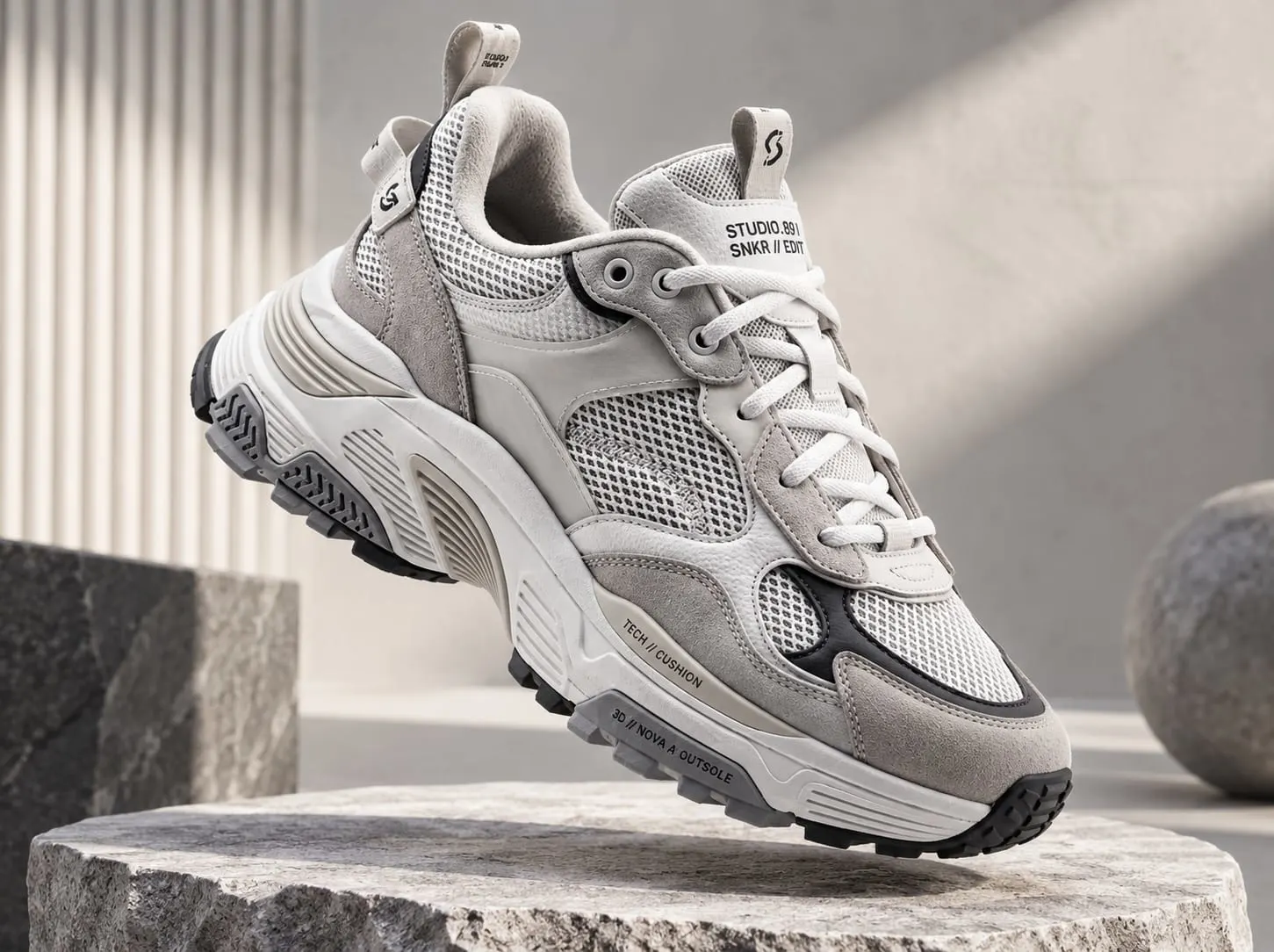
Inspect layered materials, fastening and sole construction.
Explain the supported upper, sole and colour combinations.
Show collar shape, fastening and construction details.
Extend inspection or configuration only where the product assets and choices support it.
Inspect physical design and material detail.
Compare authored colours, materials and supported component choices.
Camera tracking, personal presentation and device support require a separately approved experience; no certified try-on is offered here.
Explore products interactively in 3D and inspect relevant product detail.
Customize authored product variants, colours, materials, finishes and components.
Let customers experience supported products virtually before purchase.
Turn static product catalogues into richer interactive product discovery experiences.
Gather product references, materials and the choices customers need to understand.
Photorealistic 3D visuals, CGI and product renders for campaigns, advertising and digital commerce.
Interactive games, challenges, rewards and branded experiences designed around participation.
AR, 3D, WebAR and interactive campaign experiences across digital touchpoints.
Construction detail, colourways and any supported fit or personal presentation scope.
No. Viewer and Configurator capabilities are separate from Try-On. A camera-based presentation requires its own approved assets, support and delivery.
Start with one real product and a defined customer question. Review the available media, authored choices and supported interaction before expanding the range.
No. Product images, illustrative references and demonstration outlines do not establish live availability. A working experience is offered only after its content and delivery have been verified.
Agree delivery, device behaviour and the enquiry or commerce destination with your website team. Product information remains connected to the systems you already use.
Bring footwear construction, material choices and colourways into product discovery.
Book a Demo