Rotate and inspect
Explore different sides with camera limits suited to the object.
Some things need a closer look. Let customers inspect shape, surface and construction in an interactive product experience. Keep the product and its supporting information in one place.
Inspect the product image and its details. Approved 3D rotation and feature controls become available through the working experience.
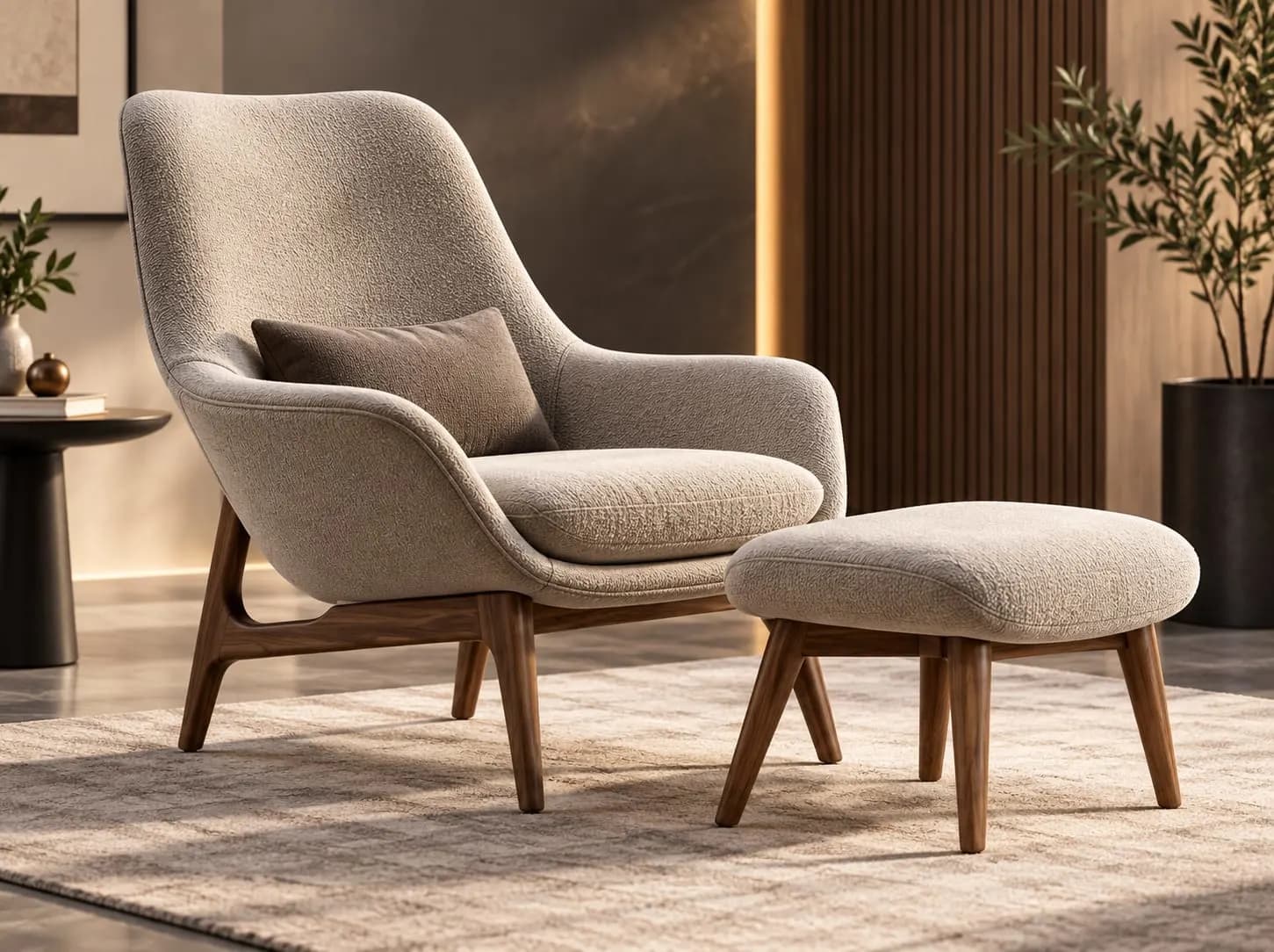 Image preview
Image-based preview. A working experience will be offered after approval.
Discuss this product experiencePhotography establishes a first impression. Rotate to see the profile. Zoom into a finish. Inspect the details that a single photograph leaves out. An approved viewer puts that exploration in the customer’s hands.
Explore different sides with camera limits suited to the object.
Bring seams, finishes and small components closer without losing the full product.
Authored hotspots, dimensions or animations can explain details when included for the product.
Furniture, footwear, appliances, vehicles and equipment raise different questions. The viewing setup and available detail should follow the product.
Choose a product with reliable visual references and a clear reason to inspect it. More complex products may need component or movement explanations.
Browse viewer previewsShow a chair’s profile, the curve of its arms and the character of its upholstery.
Draw attention to construction, fastenings and the materials that define a design.
Make product form, ports and physical controls easier to inspect.
Place a closer look beside dimensions, materials and product information.
Carry the product from an initial campaign image into a more detailed presentation.
Use the same approved presentation to discuss features with a customer.
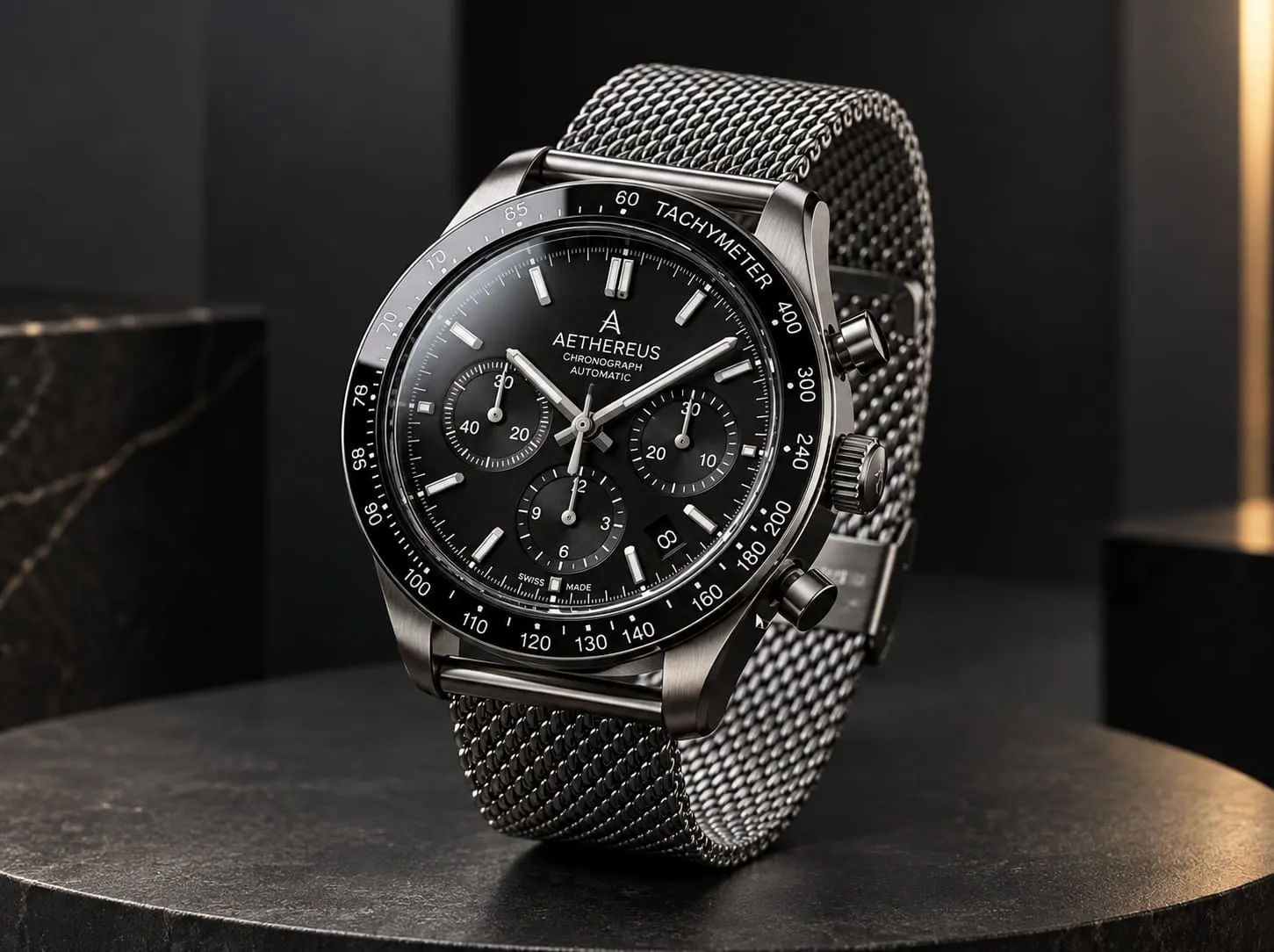
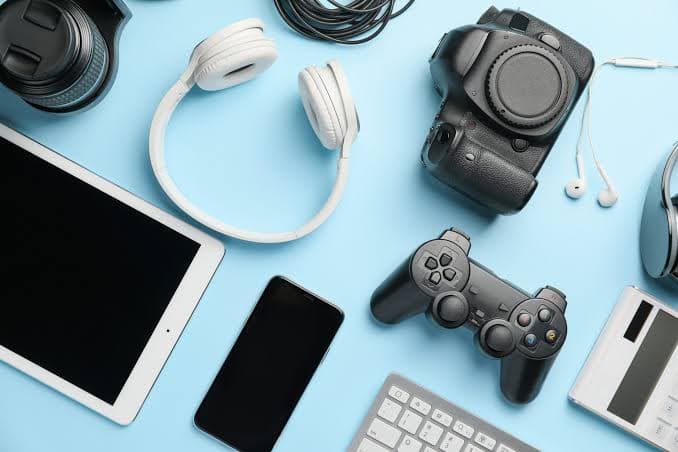
Illustrative product images. Feature controls and authored animations vary by product.
Embed a verified experience or open it after a customer chooses to explore. Confirm layout, loading and the return path with your website team.
Enquiry, related products and commerce actions stay connected to your existing website. No separate product catalogue or authoring system is required for this page.
Agree camera gestures, control sizing and device support for the experience. Keep a readable preview when the live view is unavailable.
On collection pages, begin with an image or film. On a dedicated product page, choose an immediate view only after testing its loading cost.
Gather product references, materials and the choices customers need to understand.
No. Those features must be included and reviewed for the particular product.
Share available product models, dimensions, material references and the details customers should be able to inspect. Production work is scoped separately where needed.
Yes, subject to an agreed and tested delivery method. Website placement, supported devices and fallback behavior are confirmed before release.
Customize authored product variants, colours, materials, finishes and components.
Visualize supported products in real-world environments.
Let customers experience supported products virtually before purchase.
Turn static product catalogues into richer interactive product discovery experiences.
Bring the product and the questions customers ask about it.
Book a Demo