Furniture and lighting
Discuss the footprint and surroundings of desks, chairs and supported lighting products.
Help customers consider a product in the place it could belong. Move from a product page to a supported mobile placement experience.
Explore the contextual image. Placement on a supported device becomes available with an approved AR experience.
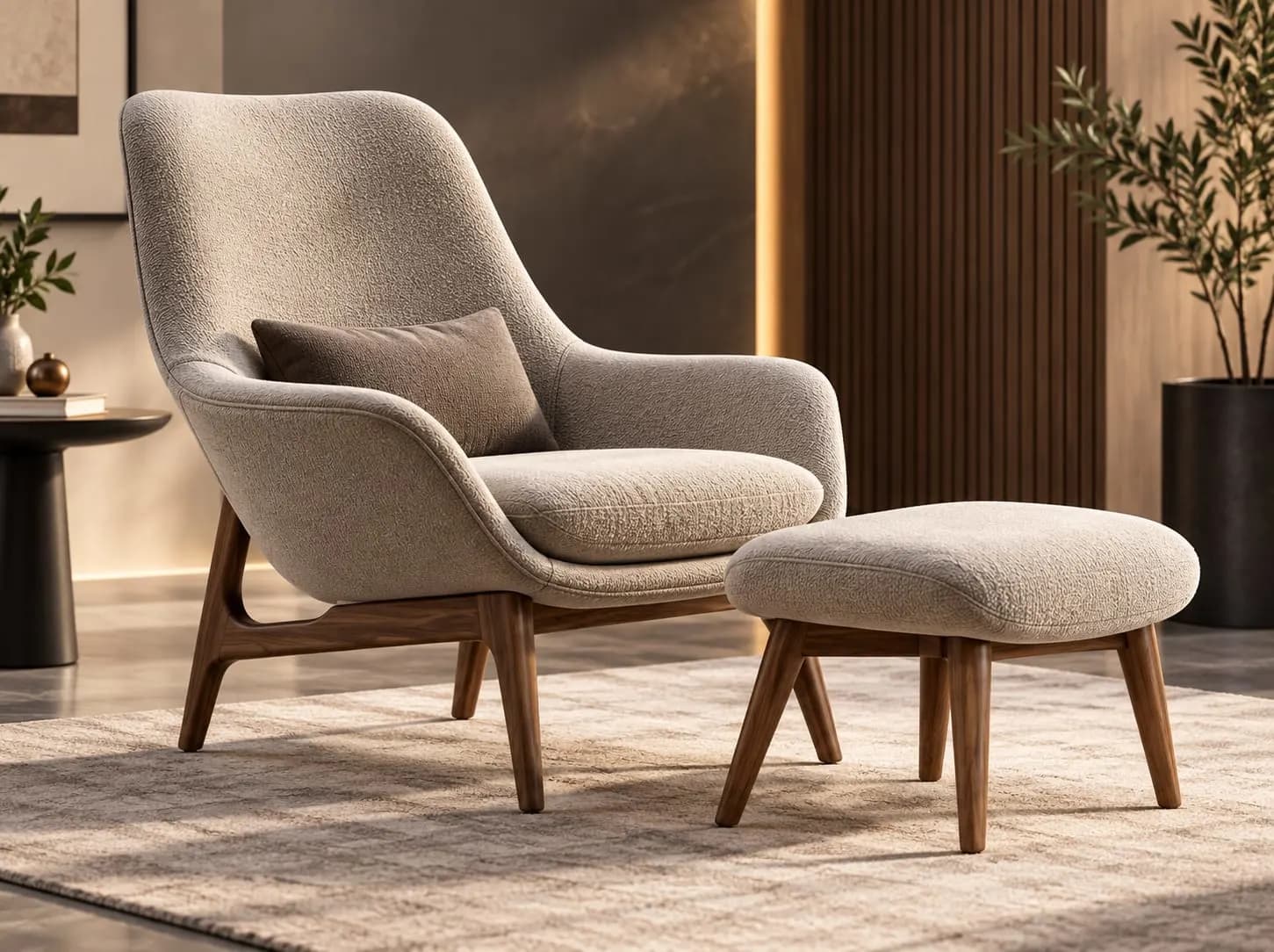 Image previewA sense of setting
Contextual composition · no camera or AR required
Image-based preview. A working experience will be offered after approval.
Discuss this product experienceA desk, television, lamp or piece of art can be easier to consider in the place it may belong. Useful placement depends on accurate assets and the supported experience.
Light, surface detection, camera position and device capabilities can affect the result. Confirm how the product should be represented before making scale claims.
Discuss the footprint and surroundings of desks, chairs and supported lighting products.
Explain the product dimensions and where it can be positioned.
Define placement for a painting or supported vehicle without assuming every product works the same way.
Select a product with a supported AR experience and open it on your phone.
Review any permission request, then follow the guidance for your surroundings.
Consider the result and return to the product details or your enquiry.
When supported, a published link or QR handoff can help a desktop visitor continue on their phone. That handoff is configured for the actual experience.
The marketing page does not request camera access. Permissions are requested only by the supported experience after launch.
Consider the relationship between an object and its surroundings. Placement, scale and available controls depend on the authored product and supported device.
Check the product dimensions alongside the visual. The preview does not establish physical scale.
Show a clear image or supported 3D view when a device cannot run placement. Keep dimensions, product information and the enquiry path available.
Review orientation, touch controls, permissions and the return to the website on the agreed device/browser set.
Connect viewing, configuration and placement to the same product identity. Agree which experiences are available and where the customer enters each one.
Review the assets and device behavior, publish the experience, then connect the website launch. Keep the preview until that review is complete.
No. Browser, device and product support must be confirmed for the particular experience.
No. It is an illustrative image composition. It does not demonstrate camera tracking or verified physical scale.
Where both are supported for the product. The website can offer the relevant entry points and a useful fallback.
Explore products interactively in 3D and inspect relevant product detail.
Customize authored product variants, colours, materials, finishes and components.
Let customers experience supported products virtually before purchase.
Turn static product catalogues into richer interactive product discovery experiences.
Bring the product, its intended setting and the devices your audience uses.
Book a Demo