Product launch moments
Build a reveal around one recognisable object and the screen’s viewing position.
Forced-perspective 3D content for digital billboards and next-generation outdoor advertising.
Perspective-specific motion planned around the screen and its audience viewpoint.
Discuss this solution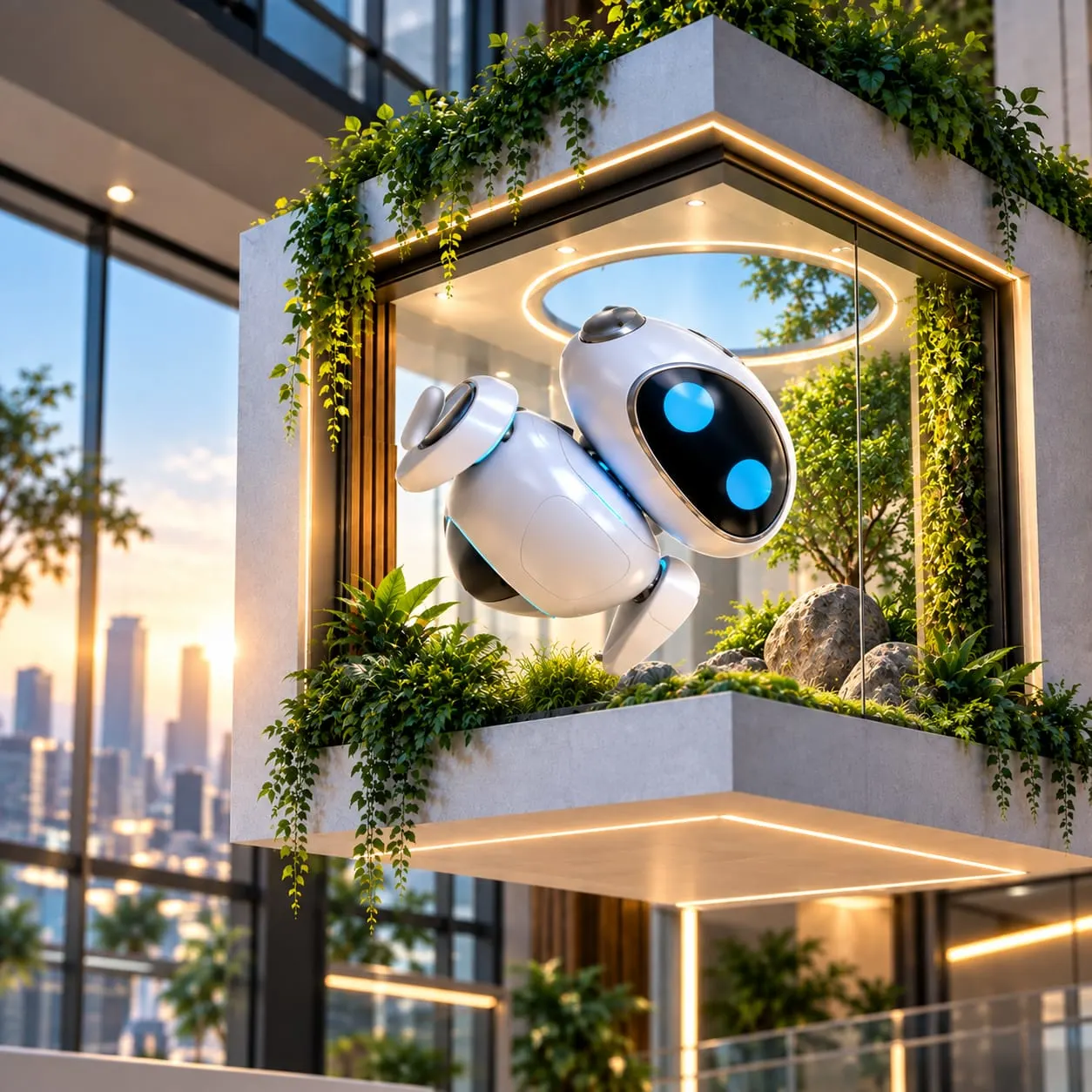
Illustrative still showing screen context. The perspective sequence explains the production approach; this image is not motion footage or evidence of a deployed campaign.
A forced-perspective sequence depends on where the audience stands and how the screen is shaped. Review perspective studies and motion together; a generic 3D image cannot establish the final anamorphic effect.
An outdoor screen needs content composed for its geometry and audience viewpoint.
Outdoor media and campaign teams. Site-specific outdoor screens and product launch moments.
Capture screen dimensions, corner geometry and the principal viewing point.
Build a reveal around one recognisable object and the screen’s viewing position.
Plan entry, focal moment and reset for viewers arriving at different times.
Confirm duration, resolution, frame rate, safe areas and playback testing with the media owner.
Confirm screen dimensions, playback requirements and the principal viewing position.
Confirm screen surveys, viewing position, media-owner specifications and on-site review responsibilities. The still illustrates screen context; perspective, timing and playback are reviewed against the actual installation.
Agree the publication destination, content approval and the next enquiry or commerce step. Product experiences remain connected to the existing 3rDoor delivery platform where included in the project.
No. It illustrates a screen setting. The final effect must be assessed in motion against the specified screen geometry and viewpoint.
Confirm screen dimensions, playback requirements and the principal viewing position.
No. Images and process diagrams illustrate the scope. A working example is identified separately after its content and delivery have been verified.
Deliverables, revisions, rights, supported interaction and integrations are defined in the agreed scope. Example media does not establish those services.
Perspective-specific motion planned around the screen and its audience viewpoint.
Book a Demo