Eyewear
Frame shape, lens proportions and supported colour variants around the face.
Let customers experience supported products virtually before purchase.
See the capability previewEyewear product imagery introduces the use case. This image does not demonstrate camera tracking or a certified try-on runtime.
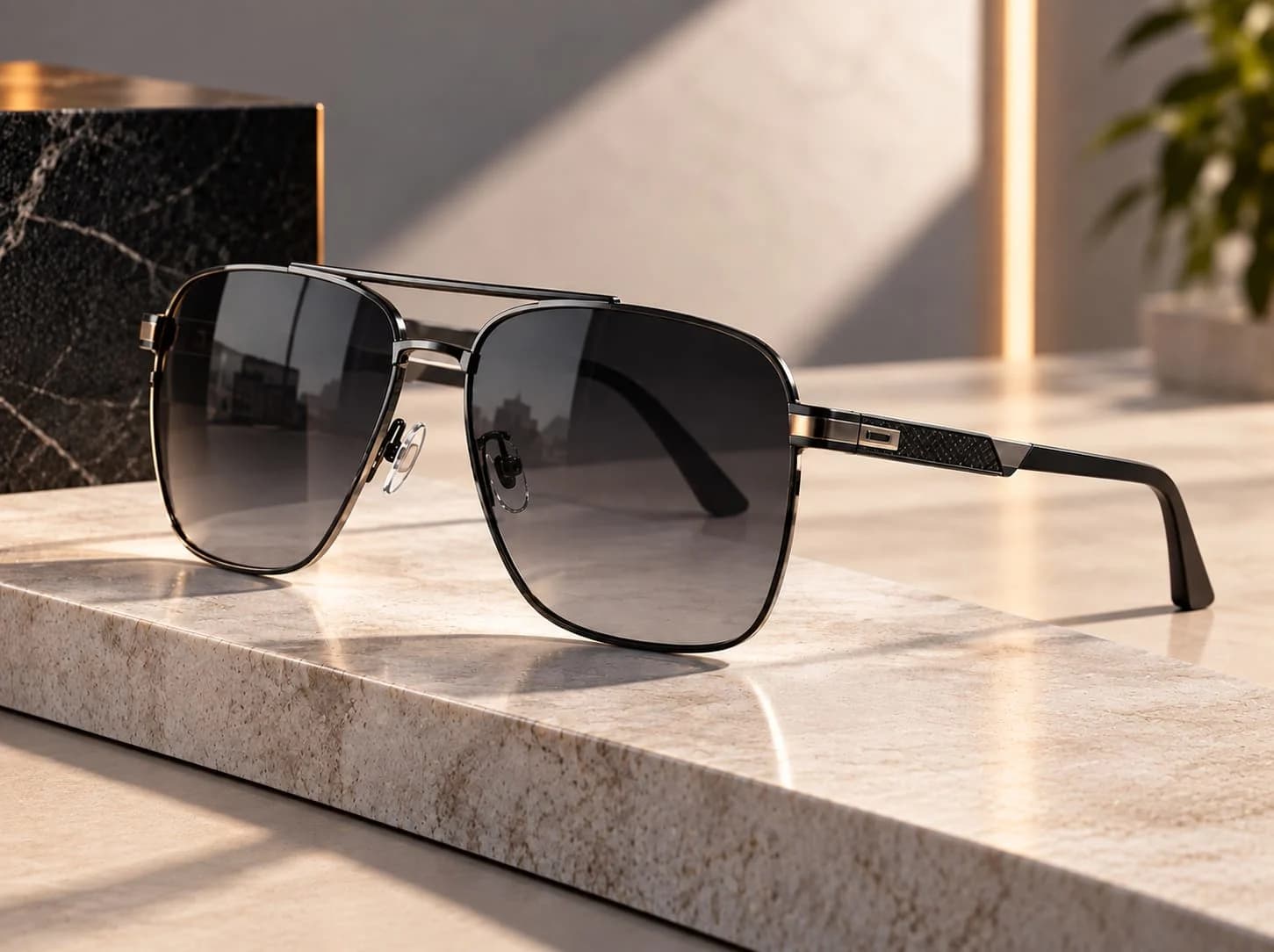
Image-based preview. A working experience will be offered after approval.
Discuss a Try-On ExperienceFrame shape, lens proportions and supported colour variants around the face.
Consider silhouette and positioning for supported hats or caps.
Explore supported earrings, necklaces or other pieces with appropriate tracking and scale checks.
Discuss shade presentation, lighting and supported facial regions. Colour appearance varies by device and conditions.
Begin with the supported product and its available variants.
Launch only on a supported device, review camera permissions and compare the presentation.
Return to product information, save a supported selection or discuss the next step.
Camera access belongs to the approved experience and is requested only after a visitor chooses to start. Device support, lighting, tracking and asset suitability are reviewed for the particular use case.
Keep product images and details available when a visitor cannot or does not want to use their camera. This page requests no camera access.
Bring personal presentation beside product facts. Give customers a way to consider supported variants while keeping appearance, fit limitations and the next buying step clear.
Gather product references, materials and the choices customers need to understand.
Selected footwear, jewellery and accessories, subject to product and device validation.
Approved experiences are authored, published and delivered through the existing 3rDoor platform. Agree the website placement, supported devices and next customer action before launch.
No. The eyewear image is a product reference, not a try-on demonstration. A working experience requires approved content and delivery.
Selected footwear, jewellery and accessories, subject to product and device validation. Confirm assets and supported interactions before production.
No. Camera permissions are requested only by a supported experience after you choose to launch it.
The delivery method, device support and fallback are reviewed against your website and the approved experience.
Explore products interactively in 3D and inspect relevant product detail.
Customize authored product variants, colours, materials, finishes and components.
Visualize supported products in real-world environments.
Turn static product catalogues into richer interactive product discovery experiences.
Bring your products and the journey you want customers to take.
Book a Demo